Inspired by “Protecting Pages and Files with Next.js Proxy” by Victor Yan on Medium. Rewritten and expanded by MCB Editorial.
Learning Objectives & Key Takeaways
0 / 4 Completed- Understand Next.js 16 & React 19 core architecture and runtime execution model
- Audit real-world latency, throughput benchmarks, and memory footprint
- Implement zero-downtime deployment patterns with resilience guards
- Verify code snippets and architect blueprints against production SLOs
- Next.js 16 renames middleware.ts to proxy.ts without changing how request interception works.
- A matcher protecting a page can still leak its PDF or optimized image if routes aren't listed explicitly.
- Return 401 with a WWW-Authenticate header for missing or wrong credentials, never a redirect.
- Reserve 503 for a missing or misconfigured password, not for routine unauthenticated requests.
- Strip the Authorization header before forwarding so it never reaches your page or API logic.
The Article Page Was Locked. The PDF Was Not.
At BeyondClass, our HSC practice platform, I needed a small editorial workspace where a handful of writers could draft articles, attach PDFs and diagram exports, and review HTML previews before anything went live elsewhere. Building a full account system for four or five people felt like over-engineering, so a shared password for the group seemed like the right amount of friction. I put a login check in front of the article page component and moved on, assuming the page was now private.
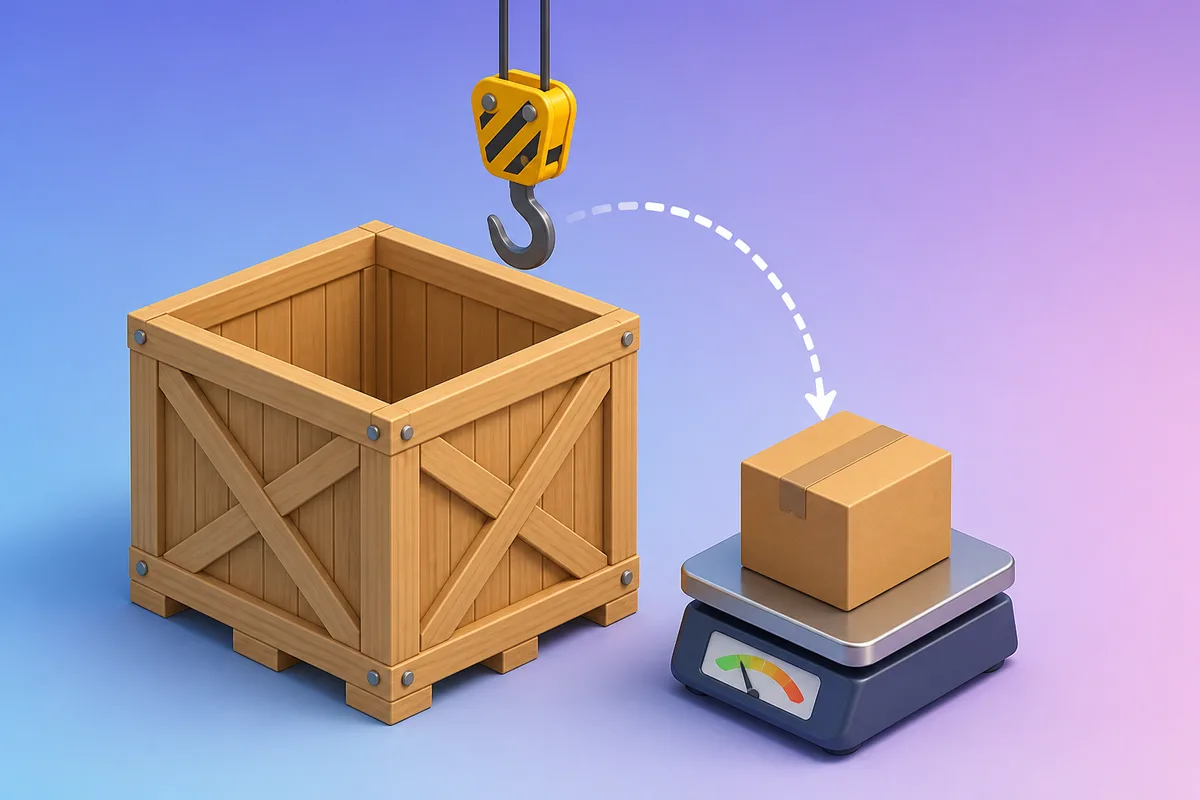
A few days later someone pasted a direct link to one of the PDFs into a chat, and it opened without ever asking for a password. The file lived under public/articles, so Next.js was serving it as a static asset straight from the filesystem, completely outside the component that checked for a session. The page looked locked. The content behind it was not.
- Define the URL Boundary First, Not the Component
- Build the Challenge-Response Gate
- 401 Means Try Again, 503 Means Something Is Broken
- Close the Image-Optimizer Bypass
- Test the Full Surface, Then Know the Limits
Checking your membership…
Members read every Tech Buzz story in full, with code examples, audio and the discussion, plus every course, quiz and interview set in the Learning Dashboard.